The wedding photo app nobody has to download
Two easy steps for your guests
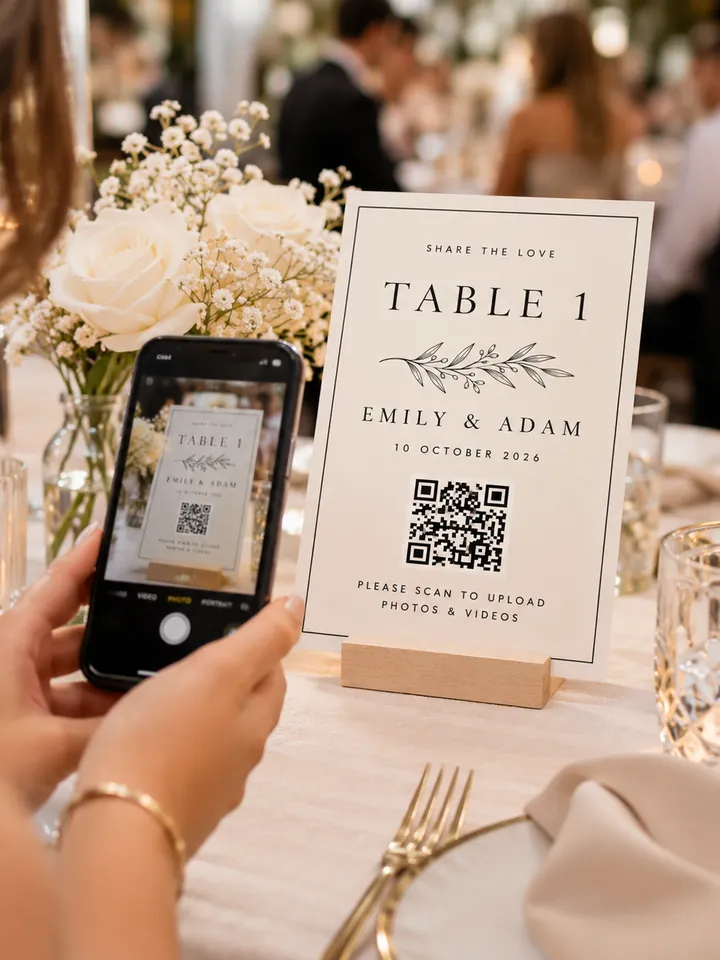
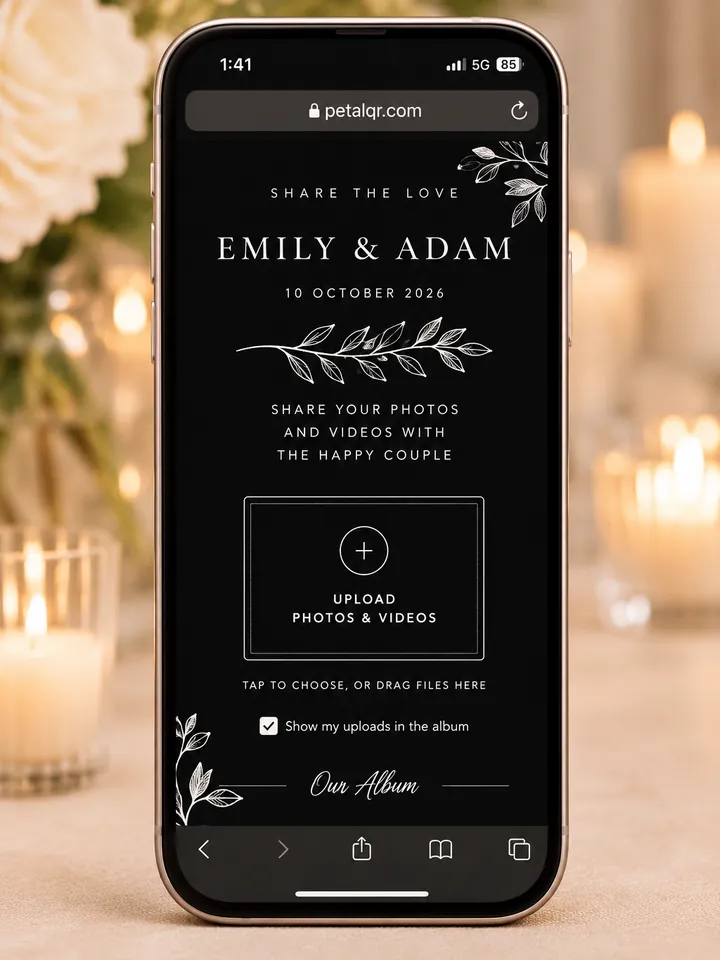
Most guests won’t install an app for one night. With Petal QR they scan the card on their table, pick their photos and videos, and they land in your own Google Drive at full quality.
(16)US$11.40 US$19
Already have an account? Log in
Free to design · Pay when ready to go live
 Petal Cloud
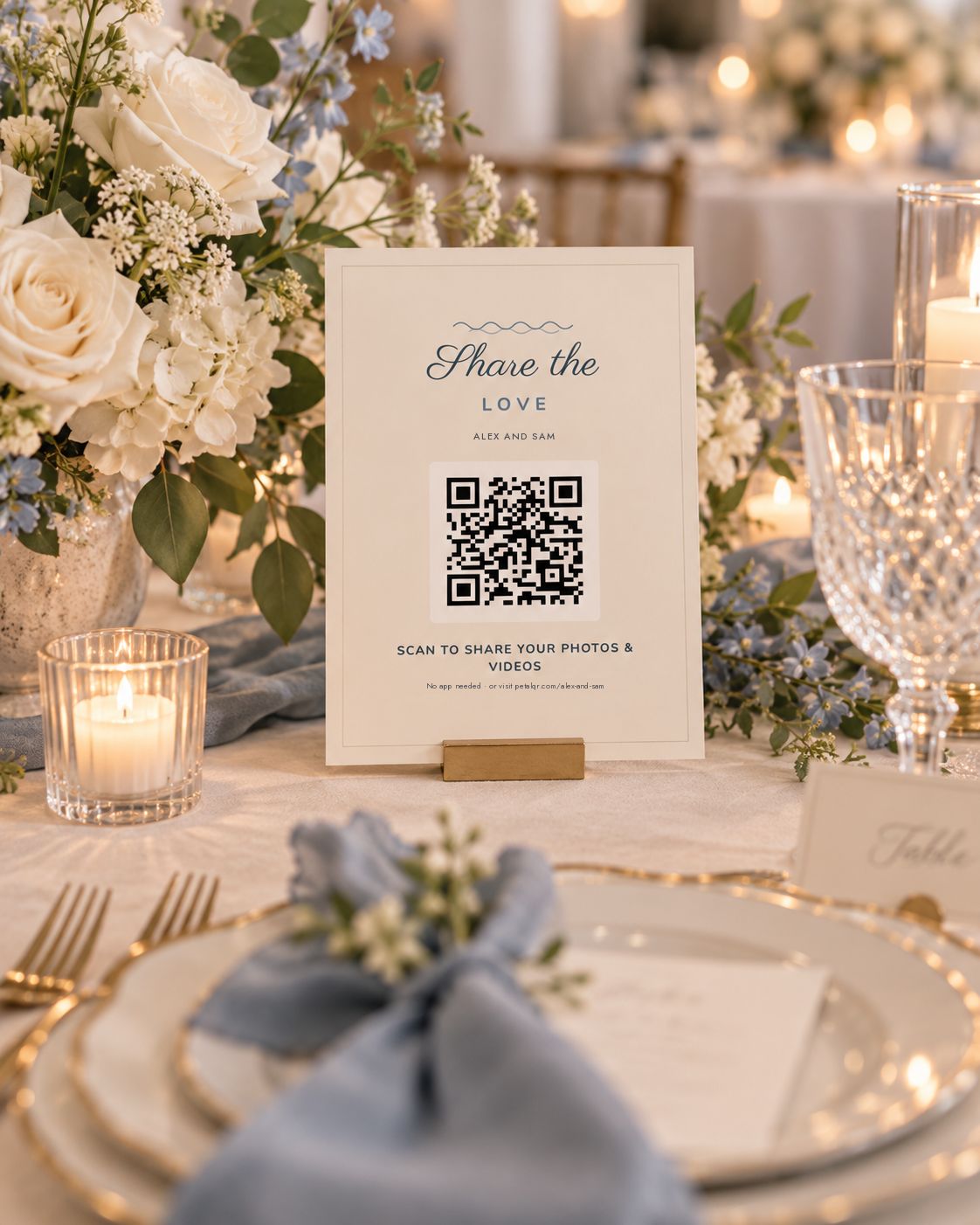 The unofficial photographer? Everyone!Full quality, no app
- No app, account or password for guests
- Works on iPhone and Android, in any country
- Full-quality photos and videos
- US$11.40 (normally US$19) once, no subscription
From couples who used it
Absolutely loved Petal QR! So easy to use and such a great way to collect photos from our wedding guests. We loved seeing all the candid moments we would have otherwise missed. Highly recommend!
So much easier than chasing everyone for photos after the wedding!
Absolutely loved this. We went with the Noir design and it looked beautiful on our tables. Even our grandparents managed to upload photos without any help.
Also five stars from Rachel & Ryan, Adnan, Rowan, Priya & Arjun and Sarah & Michael
Scan. Snap. Share.
- 1
Design your card
Choose a table card design and add your names. Setting up is free.
- 2
Print and place
Put a QR card on each table. Guests scan with their camera.
- 3
Get every photo
Photos and videos land in your chosen storage at full quality.
Free in your Petal QR account
One sign-up gives you every free planning tool. Everything shares your guest list and design.
Questions
What is the best wedding photo sharing app?
The one your guests will actually use. Apps that need a download or an account get far fewer uploads. Petal QR needs neither: guests scan a QR code with their camera and upload from their browser, so more of your guests take part.
Do guests need to download anything?
No. Guests scan the QR code with their phone camera and a page opens in their browser. There’s no app and no sign-up.
Where are the photos stored?
In a folder in your own Google Drive, at full quality. You own them and can share or download them any time. If you’d rather not use Google Drive, Petal Cloud storage is a monthly add-on you can cancel any time.
Can guests upload videos?
Yes, photos and videos, at their original quality.
How much does it cost?
US$11.40 during Black Friday through 30 November. Normally US$19 once per wedding.
Does Photo QR work outside Australia?
Yes, anywhere in the world. Guests just need a phone camera and an internet connection. It costs US$19 in the US, £19 in the UK, €19 in Europe, C$29 in Canada, A$29 in Australia and NZ$39 in New Zealand, paid once.
Start planning tonight
Sign up in under a minute with Google or your email. No card needed.
Sign up free