Ways to get your guests’ photos, compared
Two easy steps for your guests
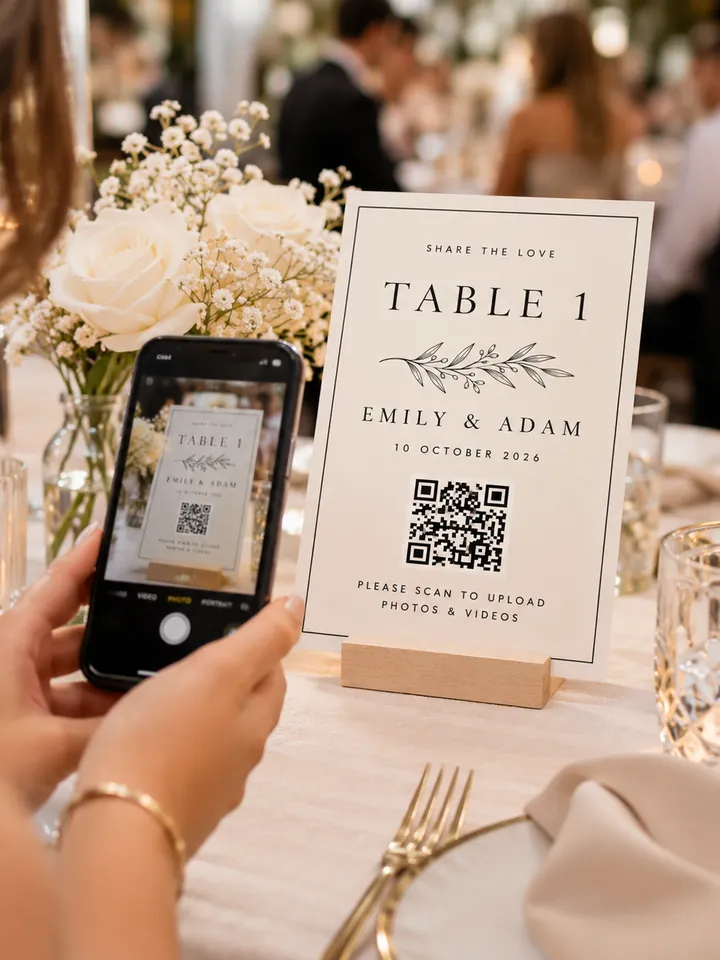
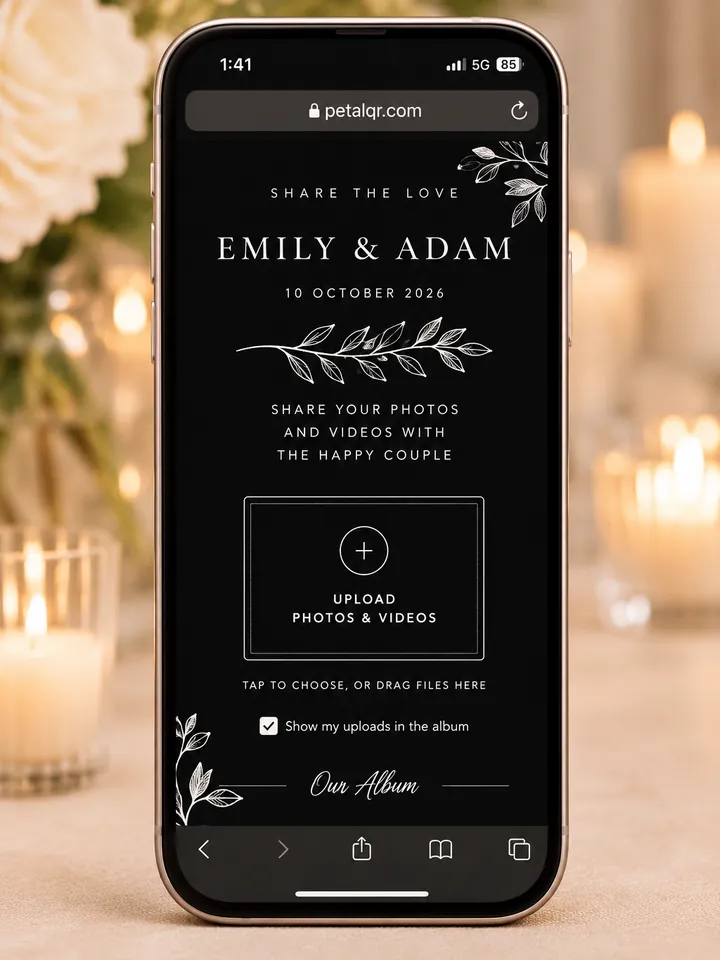
There are four main ways to collect photos from wedding guests. Here’s how they compare on cost, how much effort they take for guests, and who ends up holding the photos.
(16)US$11.40 US$19
Already have an account? Log in
Free to design · Pay when ready to go live
 Petal Cloud
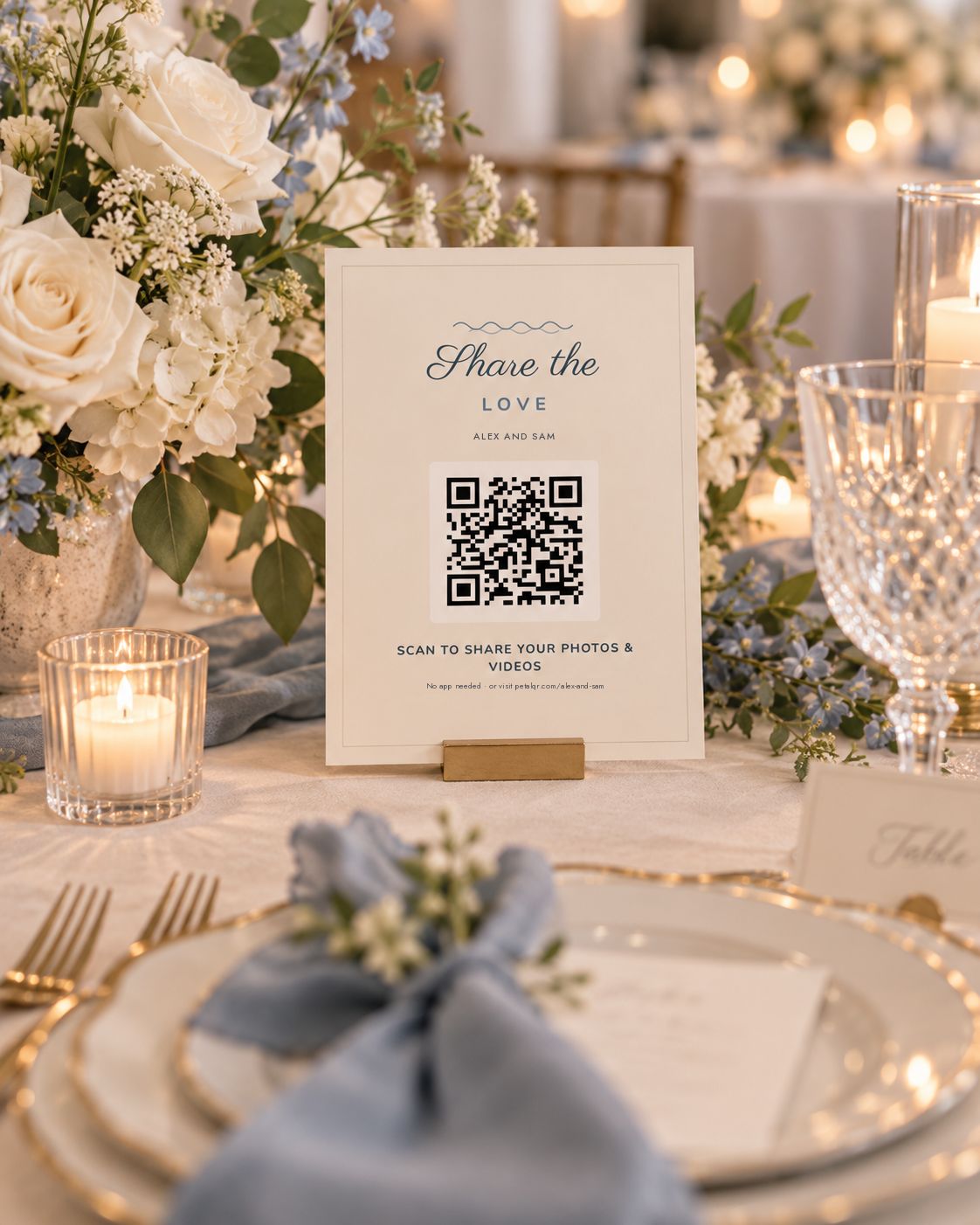 The unofficial photographer? Everyone!Full quality, no app
- QR code: no app, works for every guest
- Apps: more features, but guests must install
- Shared albums: free, but need accounts
- Disposable cameras: fun, but costly and slow
From couples who used it
Absolutely loved Petal QR! So easy to use and such a great way to collect photos from our wedding guests. We loved seeing all the candid moments we would have otherwise missed. Highly recommend!
So much easier than chasing everyone for photos after the wedding!
Absolutely loved this. We went with the Noir design and it looked beautiful on our tables. Even our grandparents managed to upload photos without any help.
Also five stars from Rachel & Ryan, Adnan, Rowan, Priya & Arjun and Sarah & Michael
Scan. Snap. Share.
- 1
Design your card
Choose a table card design and add your names. Setting up is free.
- 2
Print and place
Put a QR card on each table. Guests scan with their camera.
- 3
Get every photo
Photos and videos land in your chosen storage at full quality.
Side by side
| QR code upload (Petal QR) | Photo sharing app | Shared Google Photos or iCloud album | Disposable cameras | |
|---|---|---|---|---|
| Cost | US$19 once | Typically US$30–80 per event, some charge by guest count | Free | Roughly US$15–25 per camera, plus developing |
| What guests do | Scan with their camera | Download an app, or scan into a web version | Need the right account and app | Take photos, leave the camera |
| Photo quality | Full quality, videos too | Varies; some compress | Varies by platform | Film, no videos |
| Where photos end up | Your own Google Drive | The app company’s servers | Google or Apple | Prints and scans, weeks later |
| Works on every phone | Yes | Usually | Best within one platform | Not a phone |
App prices are typical ranges from public comparison guides in late 2026 and change often. Check each provider’s own site before you buy.
Free in your Petal QR account
One sign-up gives you every free planning tool. Everything shares your guest list and design.
Questions
Which is best for a wedding?
For most couples, a QR code: every guest can use it in seconds, and you get full-quality photos and videos in one place you own. Apps make sense if you want extras like a live slideshow; disposable cameras are a fun extra rather than a way to collect everything.
Is a shared Google Photos album good enough?
It’s free, which is a real plus. The catch is that guests need a Google account and often the app, so fewer people add photos. Petal QR uploads into your Google Drive without guests needing an account.
Do photo sharing apps keep my photos?
Many store them on their own servers, sometimes only for a set time. Check how long and how you download them. Petal QR saves straight to your own Google Drive, so there’s nothing to download or lose.
How much does Petal QR cost?
US$11.40 during Black Friday through 30 November. Normally US$19 once per wedding.
Does Photo QR work outside Australia?
Yes, anywhere in the world. Guests just need a phone camera and an internet connection. It costs US$19 in the US, £19 in the UK, €19 in Europe, C$29 in Canada, A$29 in Australia and NZ$39 in New Zealand, paid once.
Start planning tonight
Sign up in under a minute with Google or your email. No card needed.
Sign up free